
Incident Response for Schools: What to Do When a Cyber Threat Occurs
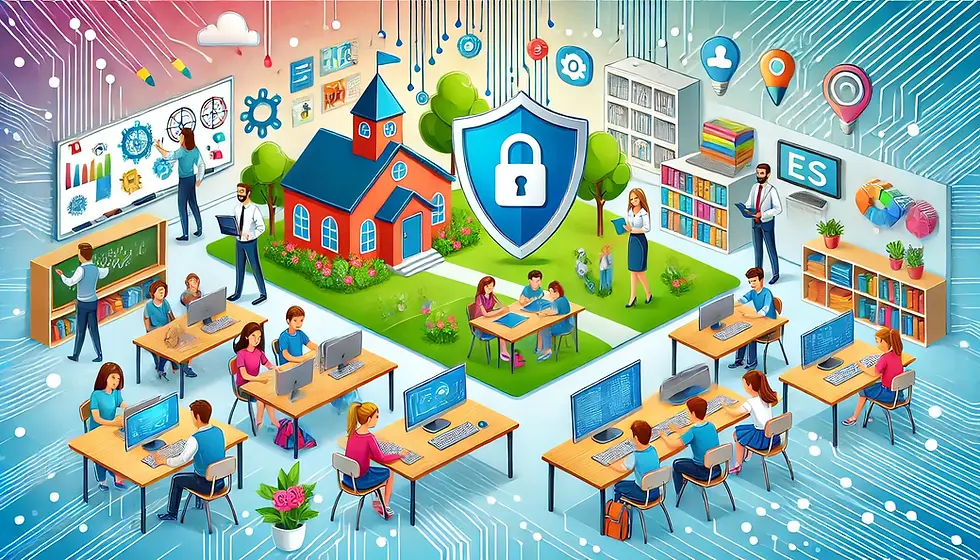
Imagine this: it’s a typical day on campus, students are engaged in learning, teachers are focused on delivering lessons, and your school’s network suddenly shows signs of suspicious activity. A phishing email has slipped through, or worse, ransomware is demanding payment. It’s a nightmare scenario for any school, but with a clear incident response plan, you can handle the situation swiftly and keep your classrooms focused on what matters—learning.
At CyberSphere Solutions, we understand the importance of keeping your campus safe from cyber threats. In this guide, we’ll walk you through what to do when a cyber incident occurs and how being prepared can minimize disruptions in your school.
Step 1: Spotting the Threat Early
Early detection is key to minimizing the impact of any cyber incident. The sooner you know something’s wrong, the quicker you can act.
Train your staff and students: Encourage everyone—from teachers to office staff—to report anything unusual, such as suspicious emails or pop-ups.
Use automated monitoring tools: These tools help detect unusual behavior on your network, alerting your IT team before things get out of hand.
How We Help: Our monitoring systems give your IT team real-time visibility into your network, so threats can be caught early before they disrupt the campus.
Step 2: Contain the Problem
Once you’ve detected a threat, the goal is to keep it from spreading and causing more damage. This means isolating affected devices or accounts to prevent further access.
Disconnect affected devices from the network: Whether it’s a teacher’s laptop or a student’s tablet, remove any compromised device immediately.
Block unauthorized access: Temporarily disable accounts that may have been compromised until they’re secure again.
Limit network access: If necessary, restrict network usage to essential services until the issue is under control.
CyberSphere Tip: Quick containment helps keep the rest of your campus running smoothly while the issue is addressed.
Step 3: Remove the Threat
With the threat contained, it’s time to eliminate it completely. This step involves cleaning up infected systems and ensuring everything is secure before resuming normal operations.
Run a full system scan: Use trusted antivirus and antimalware software to identify and remove malicious files.
Apply patches and updates: Ensure that all devices, applications, and systems are up to date to prevent future attacks.
Reset passwords: For any accounts that were compromised, reset passwords and implement stronger security measures.
How We Help: Our team can guide your IT staff through the eradication process or handle it directly, ensuring that the threat is fully removed without disrupting classroom activities.
Step 4: Get Back to Normal
Once the threat is gone, it’s time to get back to what matters—teaching and learning. The recovery process involves restoring any lost data and ensuring that all systems are functioning properly.
Restore from backups: If any data was lost or compromised, restore it from secure backups.
Test systems before reopening access: Make sure everything is working as expected and safe to use before allowing students and staff back online.
Communicate with stakeholders: Keep your school community informed about what happened and what steps have been taken to ensure their safety.
Proactive Recovery: At CyberSphere Solutions, we prioritize quick, seamless recovery, ensuring minimal disruption to your campus life.
Step 5: Learn and Improve
Every incident is an opportunity to strengthen your defenses. Once normal operations have resumed, take time to review the incident and identify areas for improvement.
Conduct a post-incident review: What went well? What could have been handled better?
Update your incident response plan: Incorporate lessons learned into your existing plan.
Provide additional training: If necessary, reinforce key points with staff and students to prevent similar incidents in the future.
Our Role: We don’t just help schools recover—we work with you to improve your defenses, so you’re better prepared next time.
Why Florida Schools Trust CyberSphere Solutions
As a Florida-based IT partner, we understand the unique challenges faced by schools in our state. Whether you’re in Miami, Orlando, or Tampa, we’re here to support your school with:
Tailored IT Solutions: Every school is different, so we create customized plans that fit your specific needs.
Local Expertise: With experience working in schools across Florida, we know how to balance security with the needs of busy educators.
24/7 Support: When an incident happens, you need help fast. Our team is available around the clock to assist you.
Let’s Keep Your Classrooms Safe and Focused on Learning
Your school shouldn’t have to worry about outside threats disrupting education. With CyberSphere Solutions as your IT partner, you can leave the cyber threats to us while you concentrate on what happens inside the classroom.
📅 Ready to strengthen your school’s defenses?Book a free call today, and let’s create a safer, smarter digital environment for your students and staff.


Comments